Game studios using ToonStudio produce complete art packages in days instead of months — with the same team. Here's how the workflow looks end-to-end.
Every game needs hundreds of themed symbols, characters, backgrounds, and UI elements. A single artist produces 5-10 polished assets per day. A game needs 200+.
Multiple freelancers means multiple styles. Every new artist needs style guides, feedback cycles, and revisions. Quality drifts across the project.
Designers wait for concepts. Engineers wait for assets. Everyone waits for art. The pipeline is sequential when it should be parallel.
90 days per game means 4 games per year. Market windows close. Competitors who ship faster capture revenue first.
Here's how a game studio produces a complete art package using ToonStudio — from concept to game-ready assets.
Upload your style references and configure the theme. ToonStudio's Settings node lets you define art style, color palette, and rendering approach once — then apply it across every asset.
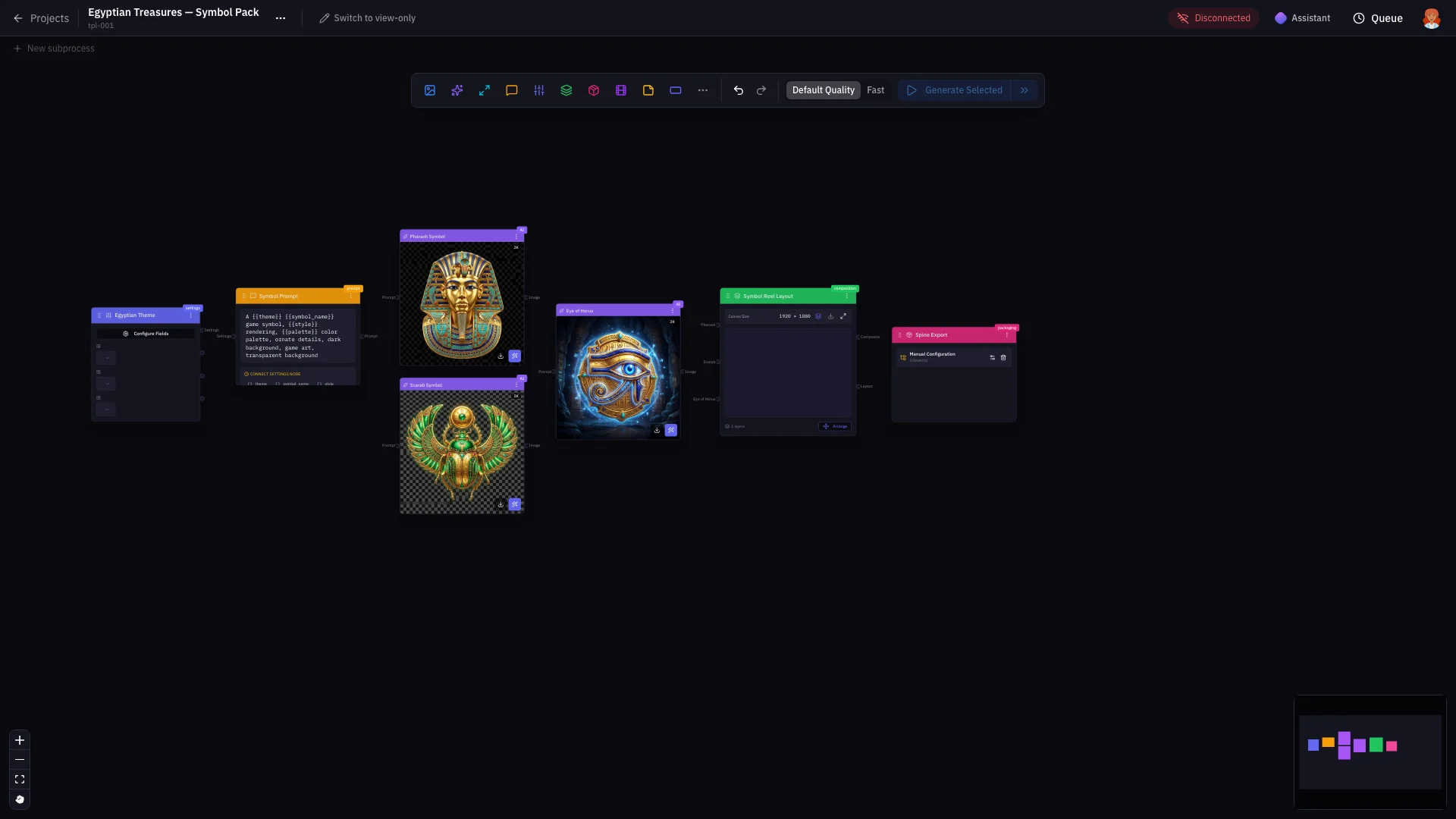
One reference character generates every asset type your game needs — reel symbols, scenes, win screens, UI elements, and more. Each dramatically different, all consistent.
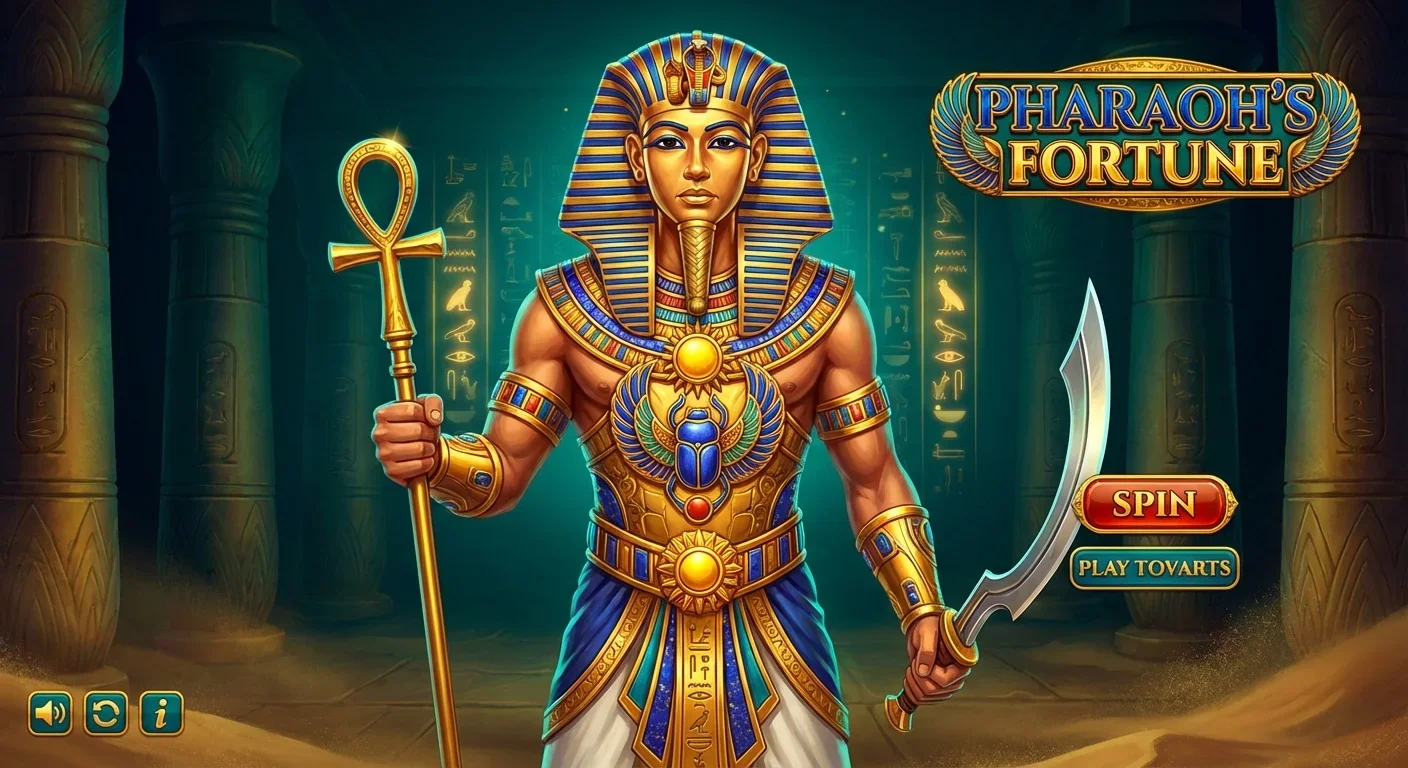
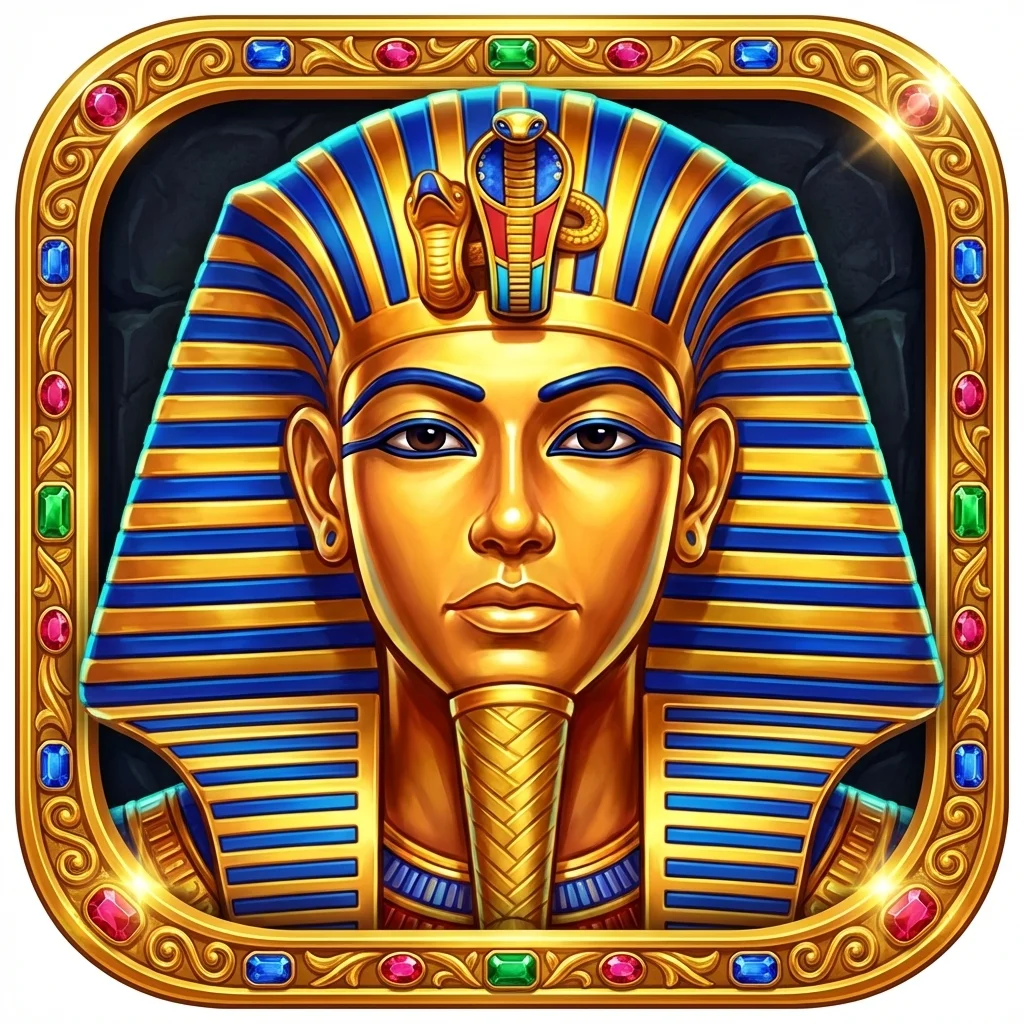
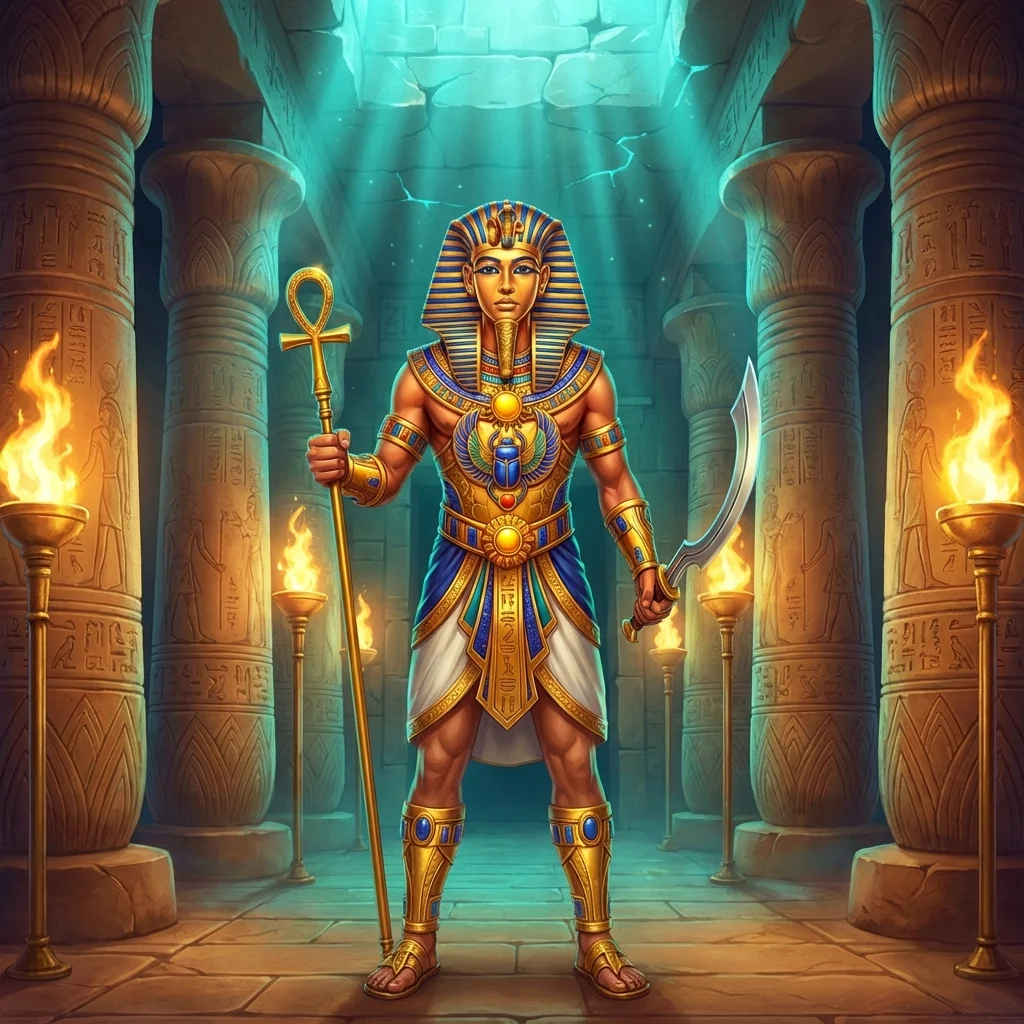
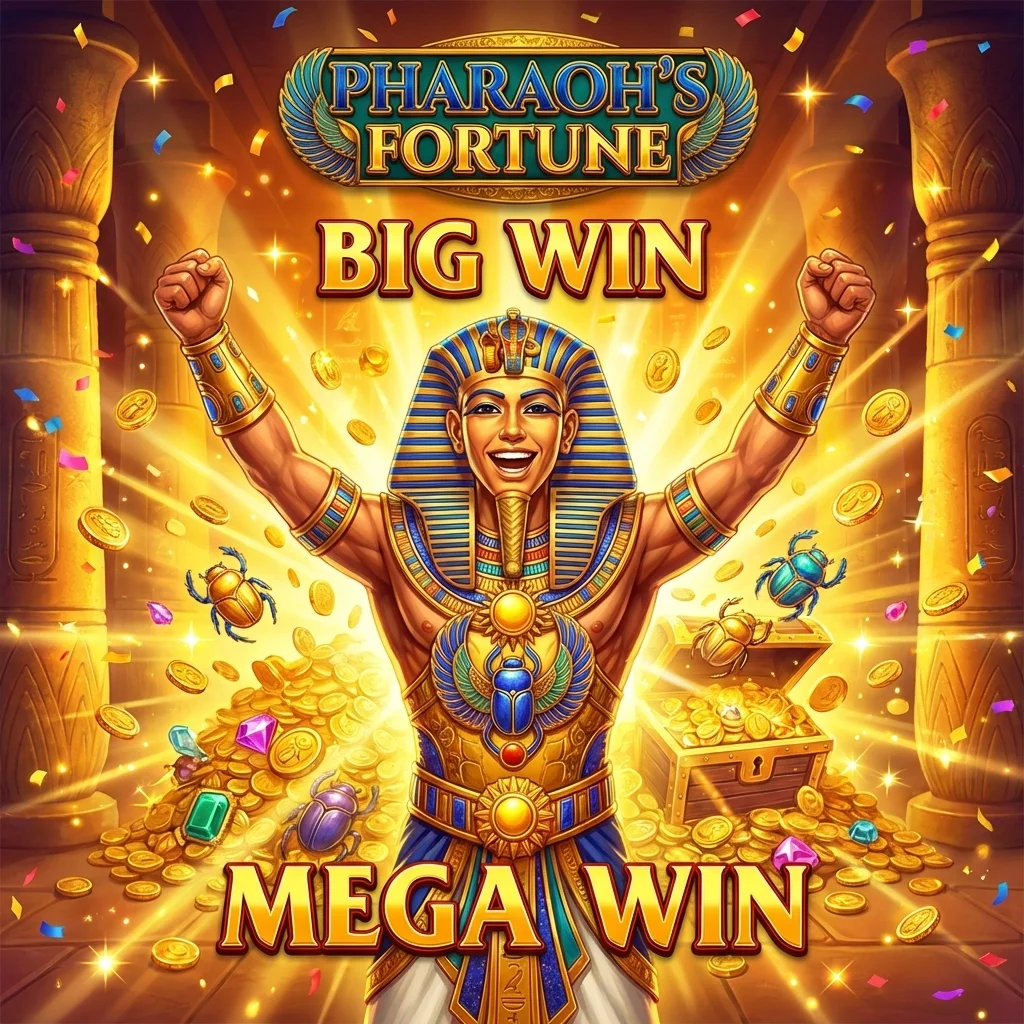
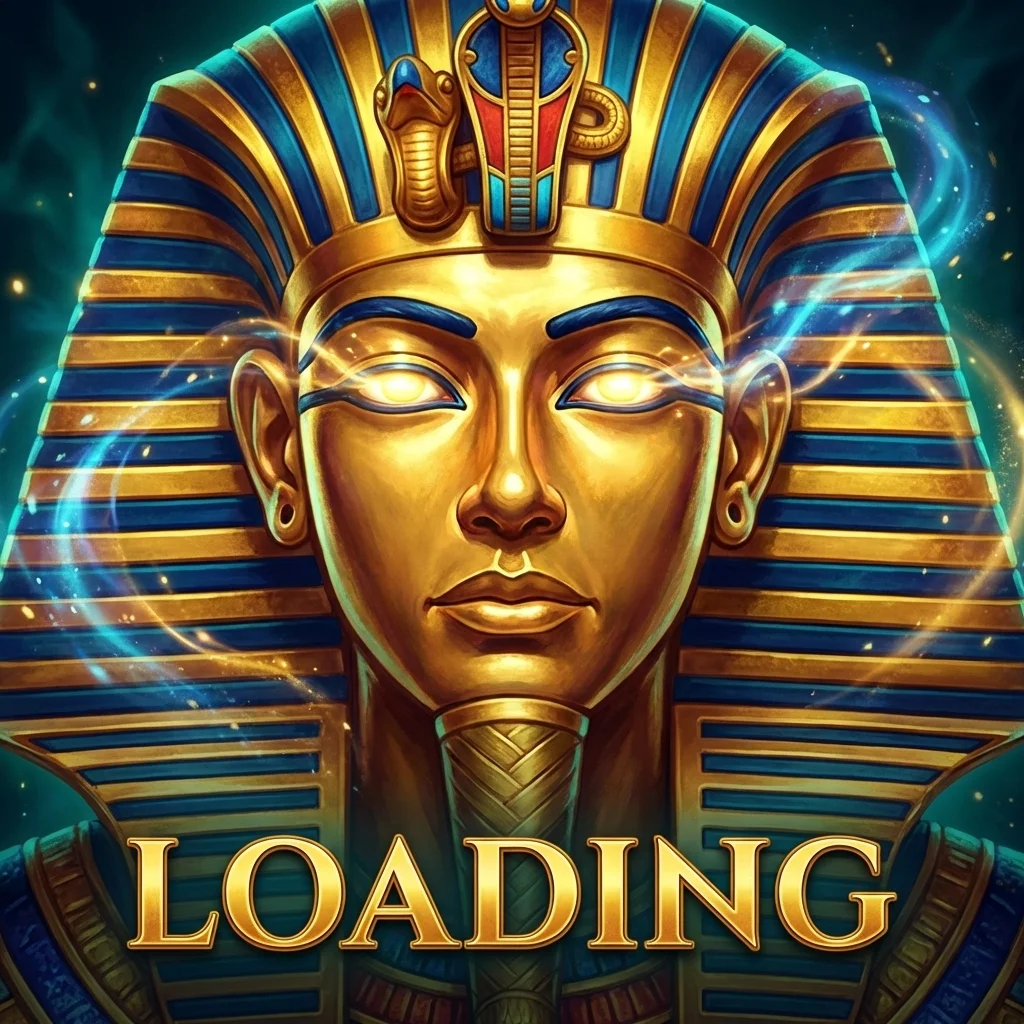
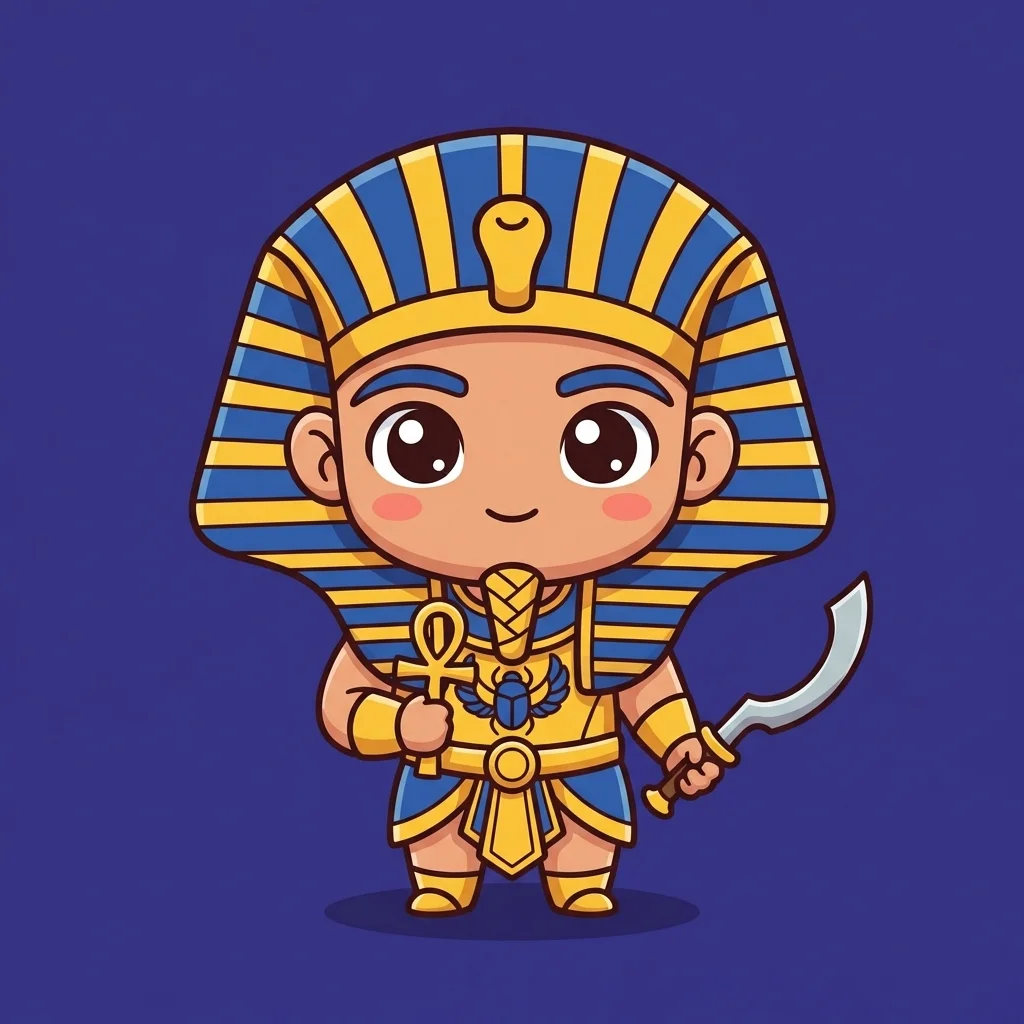
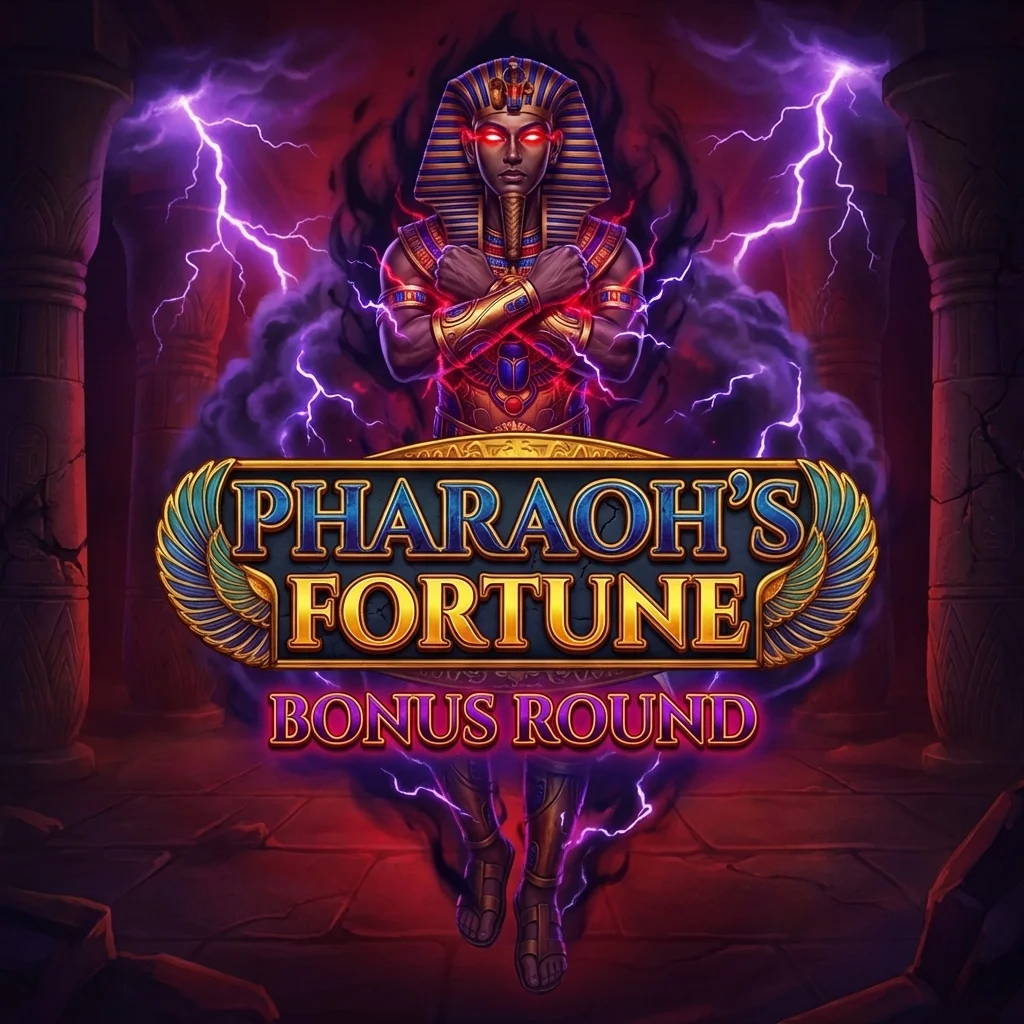
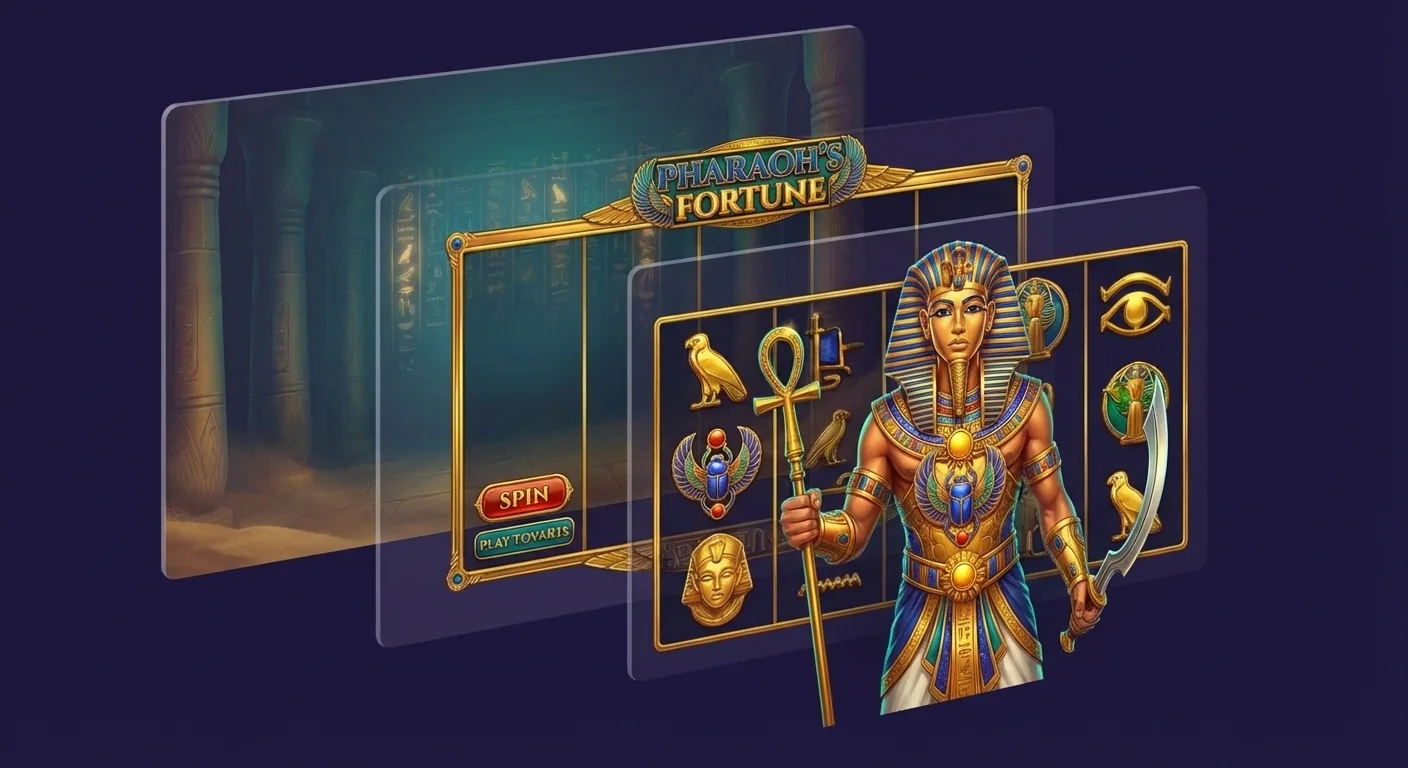
Combine generated assets into compositions. Layer characters over backgrounds, arrange UI elements, and fine-tune positioning — all within ToonStudio's visual editor.
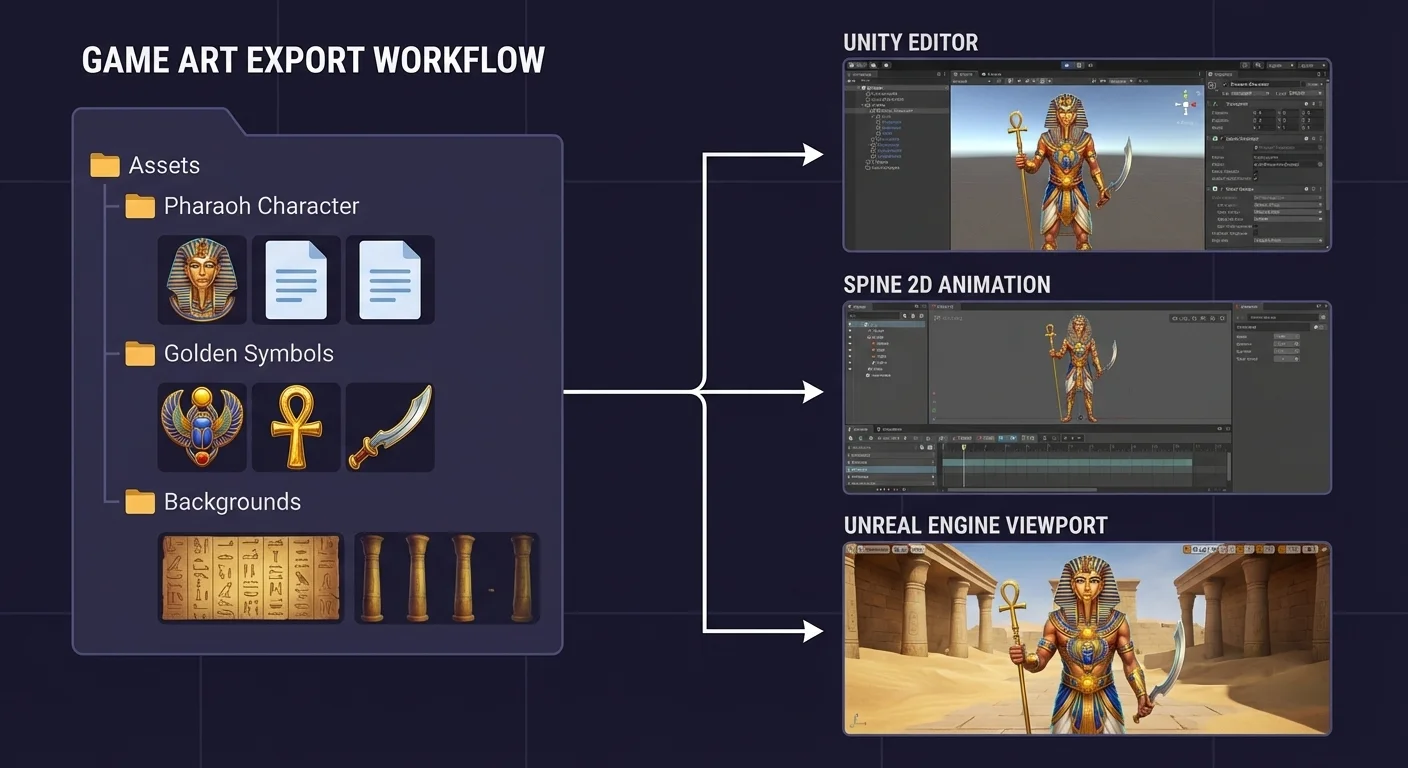
One-click export to Spine, Unity, Unreal, or custom formats. Package entire games at once. Manage 10+ projects in parallel from a single dashboard.
See how ToonStudio fits your studio's workflow.
Contact Sales